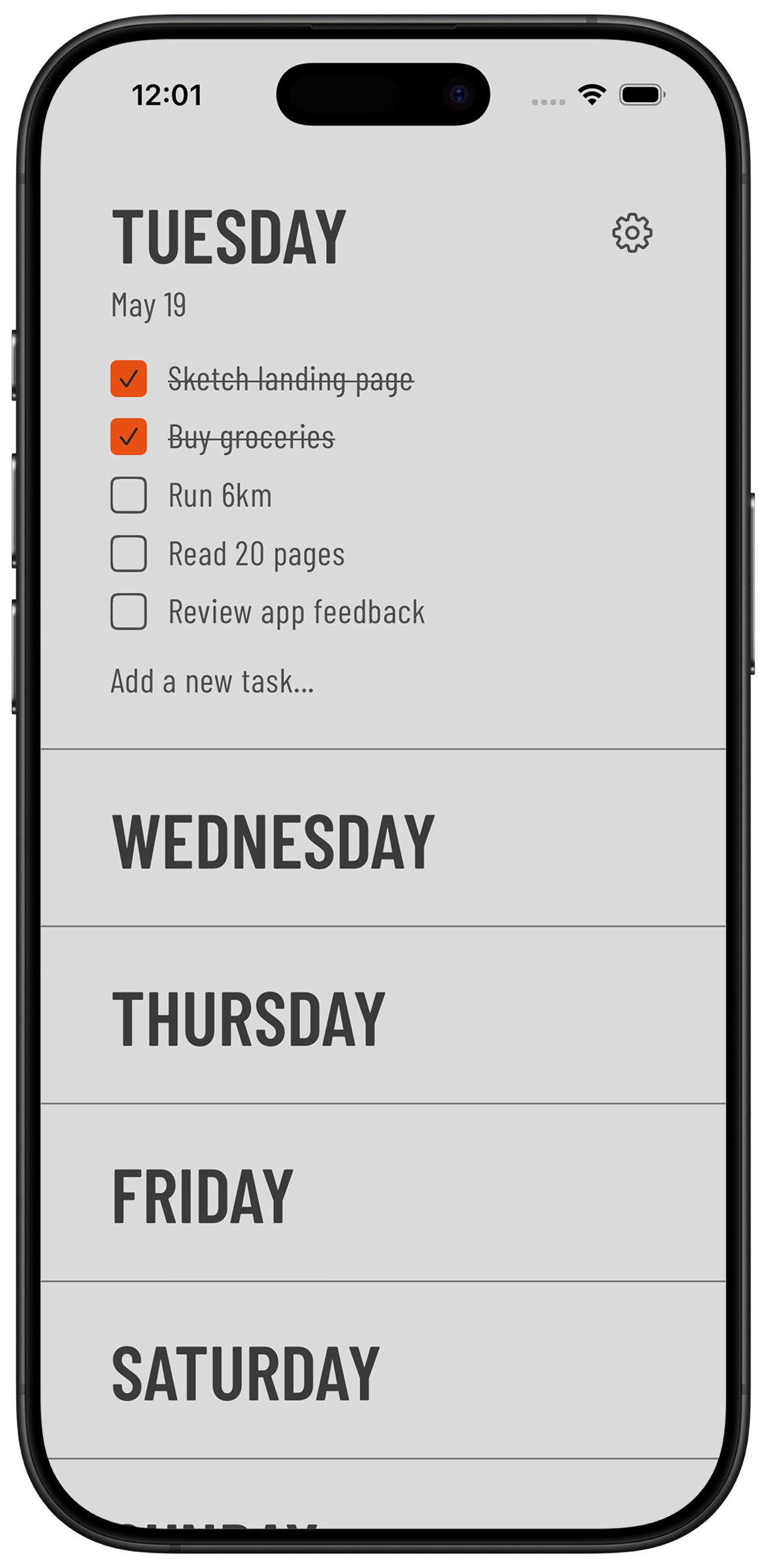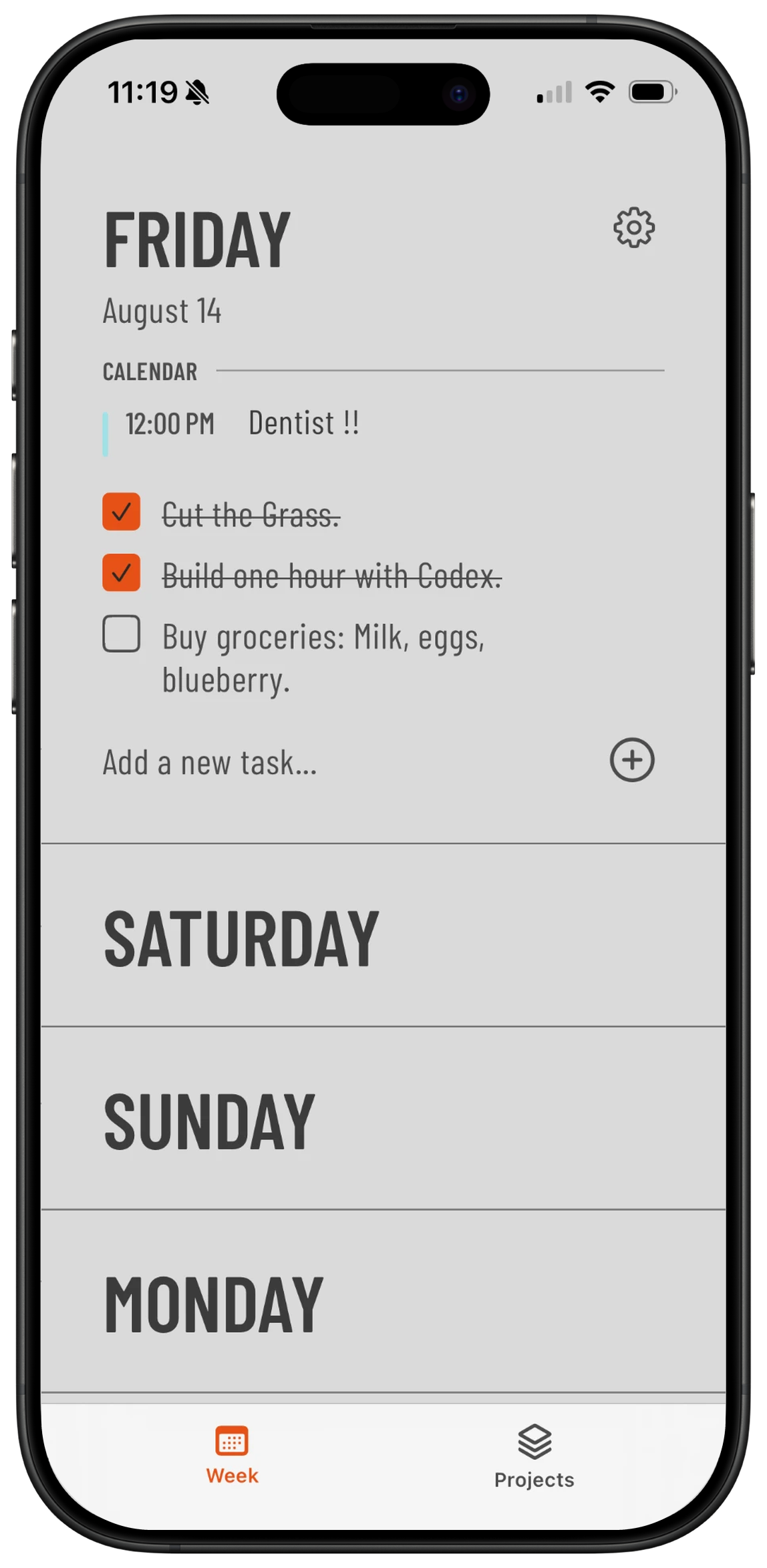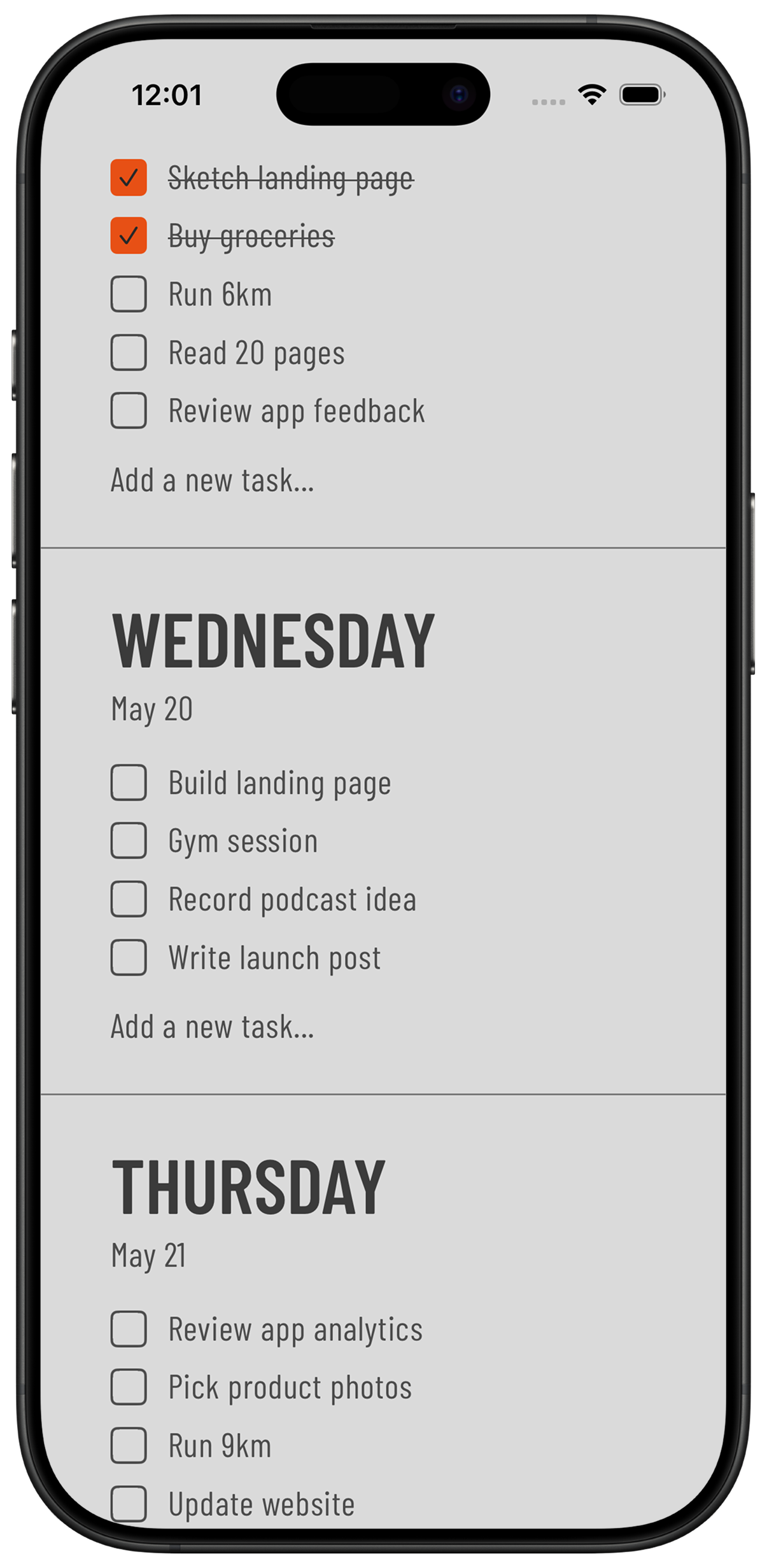
Your week, finally clear.

A calm weekly to-do list.Free to plan your week, with Proreminders and shared projects.

5.0App Store rating
Download Weeklane on the App StoreGet Weeklane on Google Play

Why choose Weeklane

Simple & intuitiveOne screen, seven days. No clutter.
MinimalisticClean, makes you get things done
Calendar, only if you want itOptional calendar events, without turning Weeklane into a complicated calendar.
Private by defaultPersonal weekly tasks stay on your device. Shared projects sync privately between invited members.

What is Weeklane?

Weeklane is a minimalist weekly planner for iPhone, iPad, Mac and Android. Use the weekly planner for free, or upgrade to Pro for reminders, recurring tasks, connected calendars and shared projects.

Common questions

Is Weeklane free?

Yes. The weekly planner is free to use. New users also receive a 14-day Weeklane Pro preview, which does not automatically create a paid subscription, and can keep planning for free afterwards.

What is included in Weeklane Pro?

Weeklane Pro adds reminders and task times, daily and weekly recurring tasks, connected calendar events, and the ability to create personal and shared projects. Pro is $3.99 monthly or $29.99 yearly, with localized store pricing.

Can invited users collaborate without Pro?

Yes. Creating a project requires Weeklane Pro, but anyone invited by a Pro project owner can take part fully with the free version — including assigned tasks and completing them.

Which calendars can Weeklane display?

Weeklane can display the calendars already set up on your device, such as iCloud, Google or Exchange calendars synced to iOS or Android. Access is granted by permission and is read-only.

Which platforms does Weeklane support?

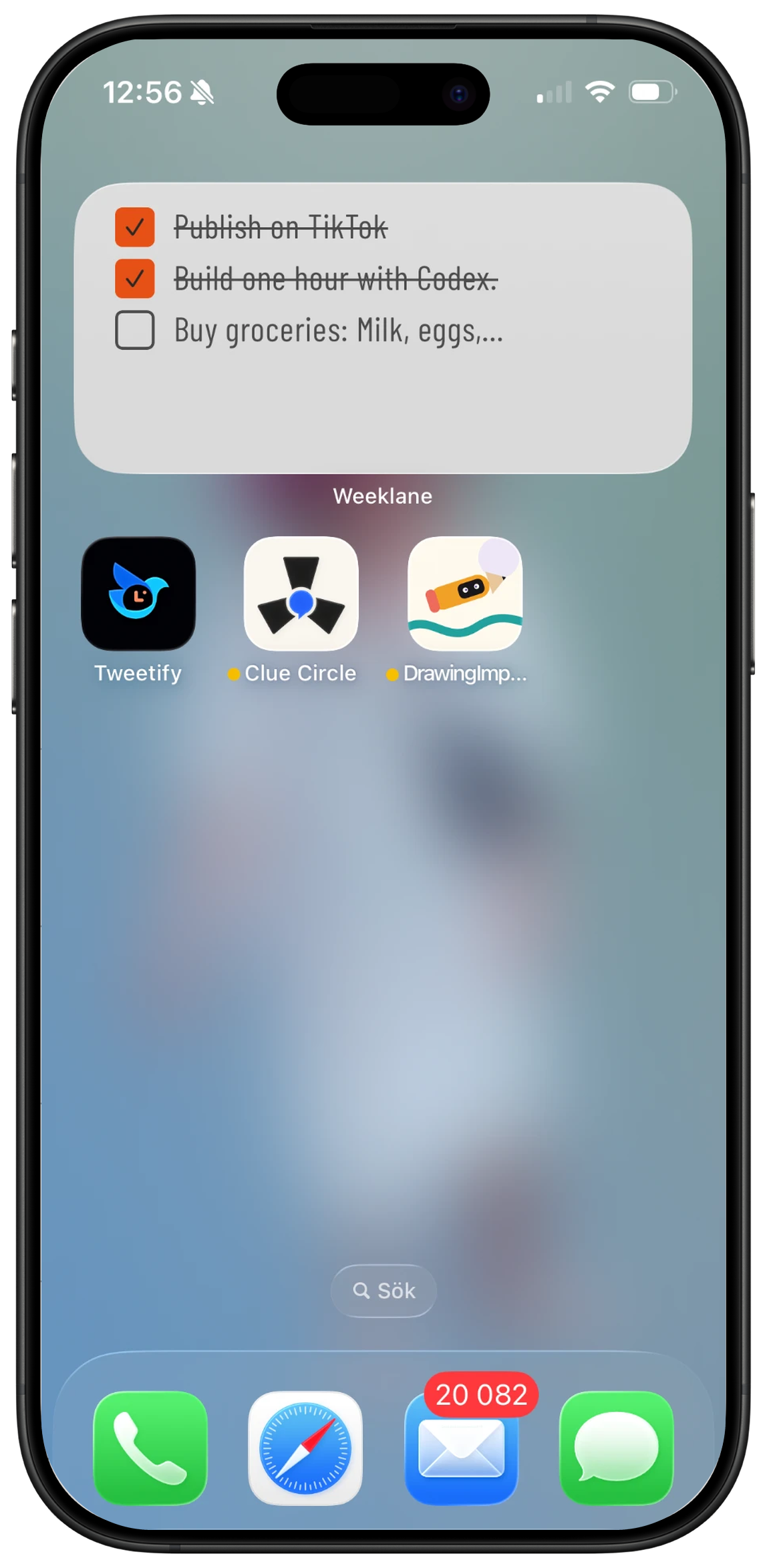
Weeklane runs on iPhone, iPad, Mac and Android, with Home Screen widgets where supported.

Where are Weeklane tasks stored?

Your personal weekly tasks are stored locally on your device. Only shared projects sync, using Firebase authentication and Firestore storage so invited members see the same project tasks.

Last updated: 31 August 2026

Home Screen widgets

Home Screen widgets

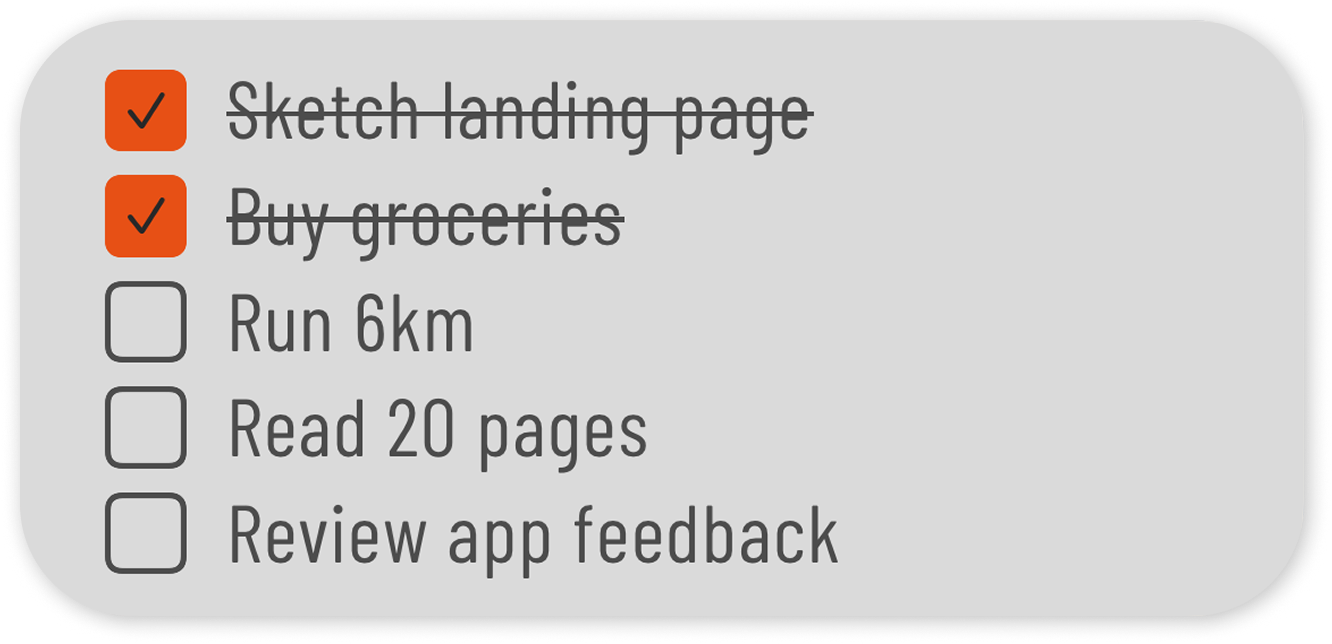
Medium Home Screen widget preview
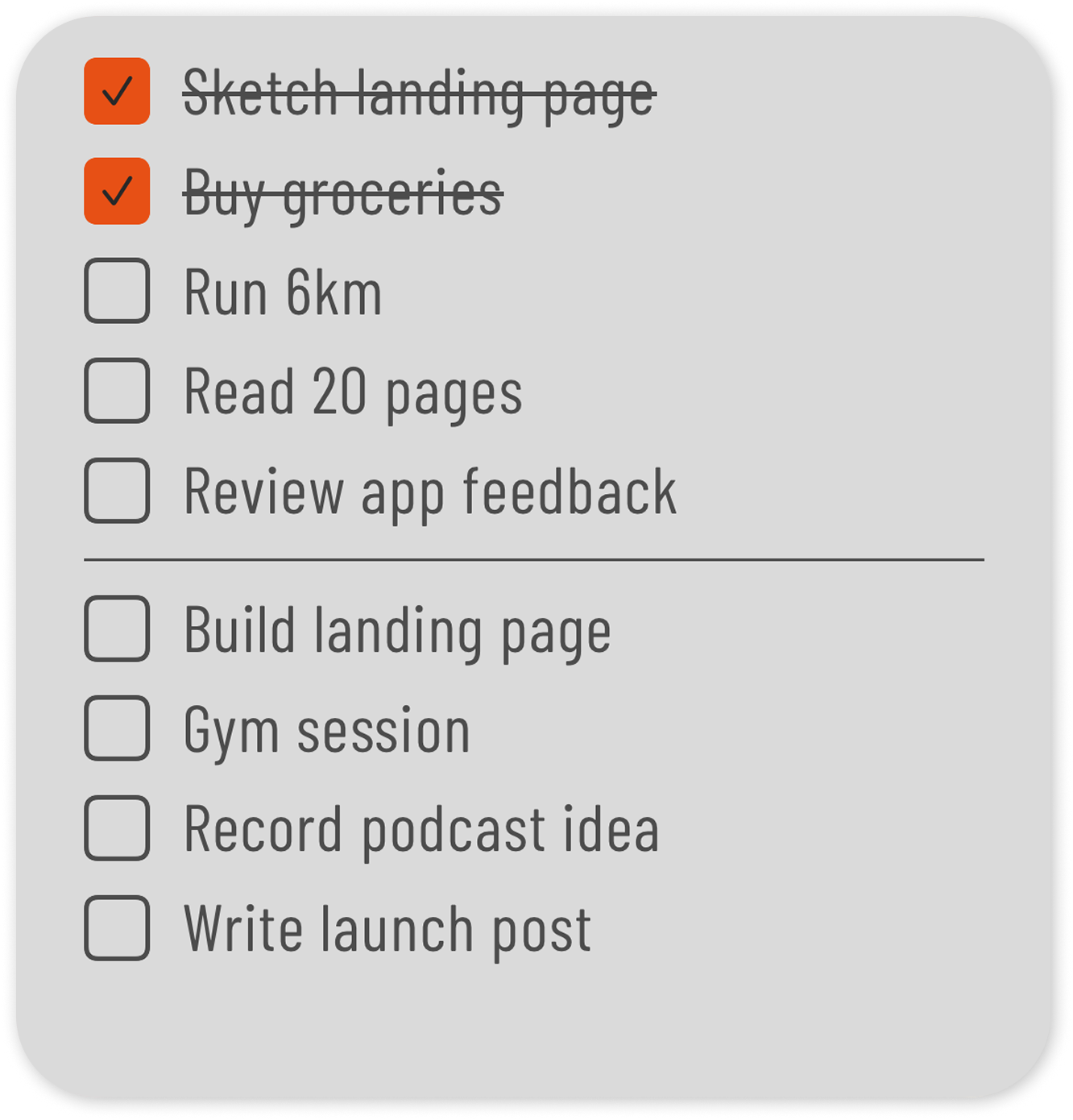
Large Home Screen widget preview

Ready to see yourweek clearly?

No messy lists. Just tasksorganized by day.
Download Weeklane on the App StoreGet Weeklane on Google Play
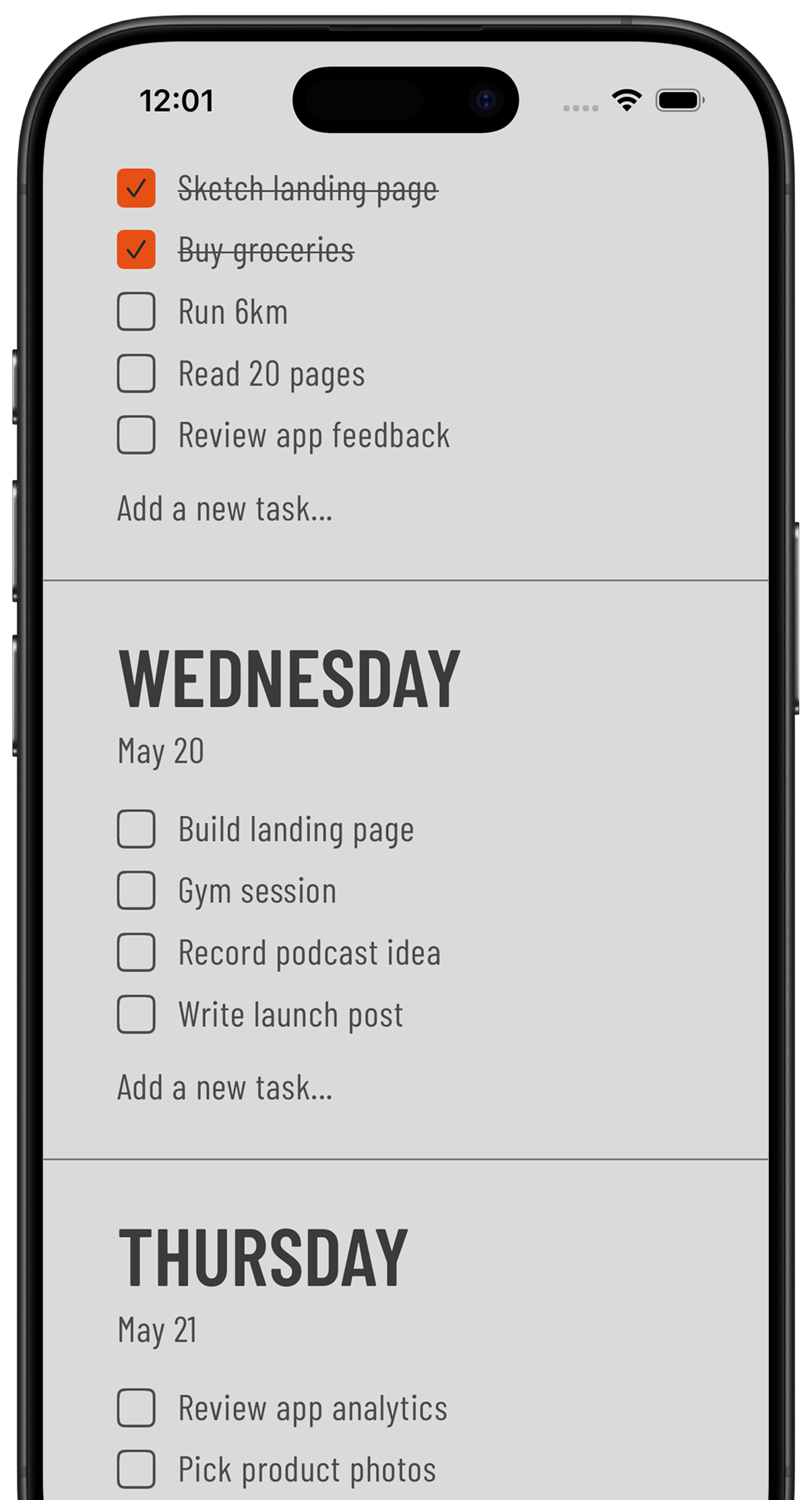
Weeklane weekly checklist shown on an iPhone
5.0App Store rating
QR code to download Weeklane on the App StoreApp Store
QR code to download Weeklane on Google PlayGoogle Play
Scan to downloadiPhone, iPad, Mac & Android
Simple & intuitiveOne screen, seven days
MinimalisticClean, makes you get things done
Private by defaultTasks on your device, shared projects synced privately

What is Weeklane?

Weeklane is a minimalist weekly planner for iPhone, iPad, Mac and Android. Use the weekly planner for free, or upgrade to Pro for reminders, recurring tasks, connected calendars and shared projects.

Common questions

Is Weeklane free?

Yes. The weekly planner is free to use. New users also receive a 14-day Weeklane Pro preview, which does not automatically create a paid subscription, and can keep planning for free afterwards.

What is included in Weeklane Pro?

Weeklane Pro adds reminders and task times, daily and weekly recurring tasks, connected calendar events, and the ability to create personal and shared projects. Pro is $3.99 monthly or $29.99 yearly, with localized store pricing.

Can invited users collaborate without Pro?

Yes. Creating a project requires Weeklane Pro, but anyone invited by a Pro project owner can take part fully with the free version — including assigned tasks and completing them.

Which calendars can Weeklane display?

Weeklane can display the calendars already set up on your device, such as iCloud, Google or Exchange calendars synced to iOS or Android. Access is granted by permission and is read-only.

Which platforms does Weeklane support?

Weeklane runs on iPhone, iPad, Mac and Android, with Home Screen widgets where supported.

Where are Weeklane tasks stored?

Your personal weekly tasks are stored locally on your device. Only shared projects sync, using Firebase authentication and Firestore storage so invited members see the same project tasks.

Last updated: 31 August 2026