Features
Everything Weeklane does — free and with Pro
Weeklane is a minimalist weekly planner for iPhone, iPad, Mac and Android. The weekly view is free; Weeklane Pro adds reminders, recurring tasks, connected calendars and shared projects. Here's exactly what's inside.
Your whole week on one screen
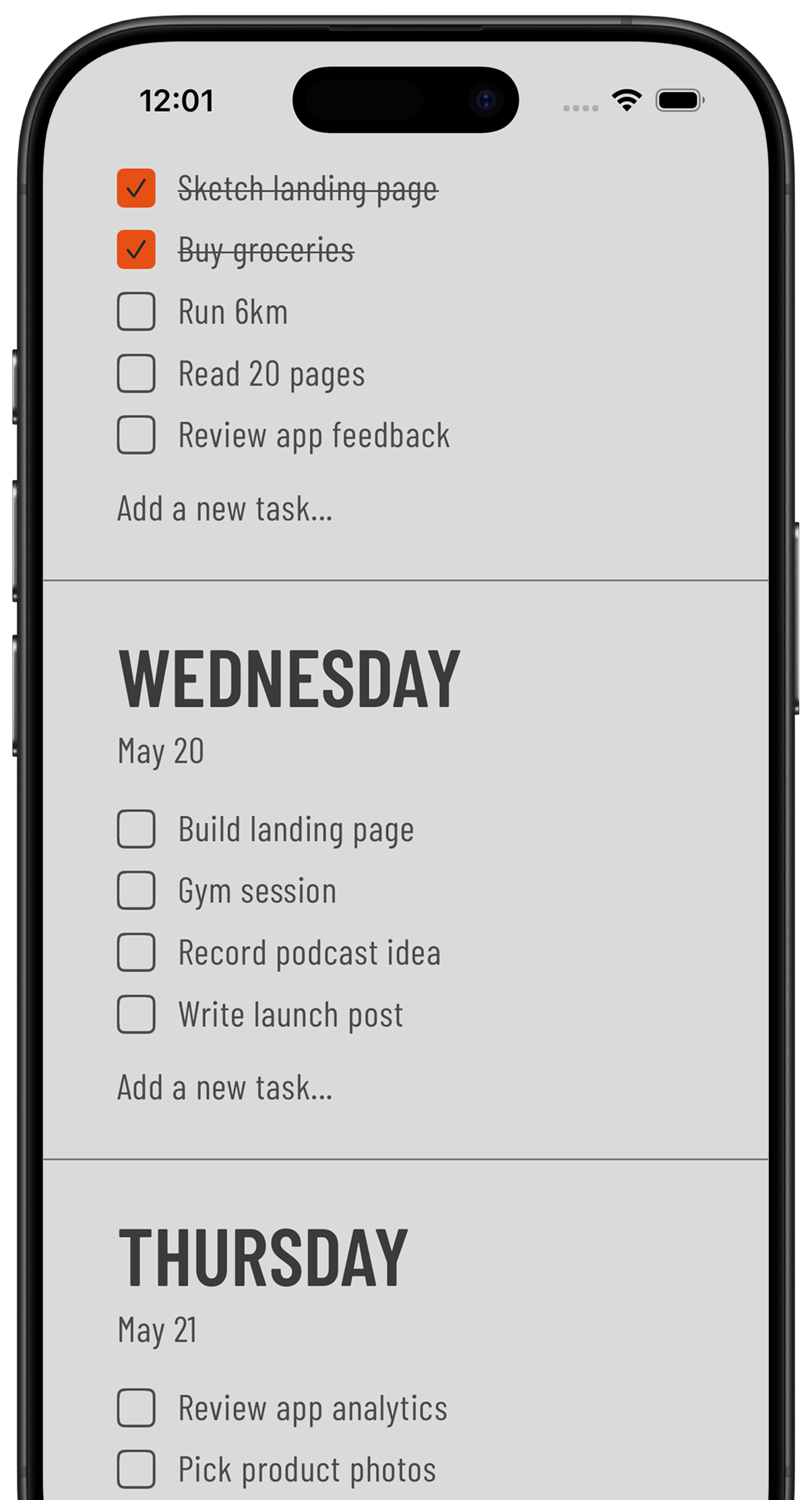
Seven days stacked in a single view. Today is expanded by default with your tasks visible. Every other day is collapsed to just its name — tap any day to expand it. No calendar grid, no month view, no navigation.
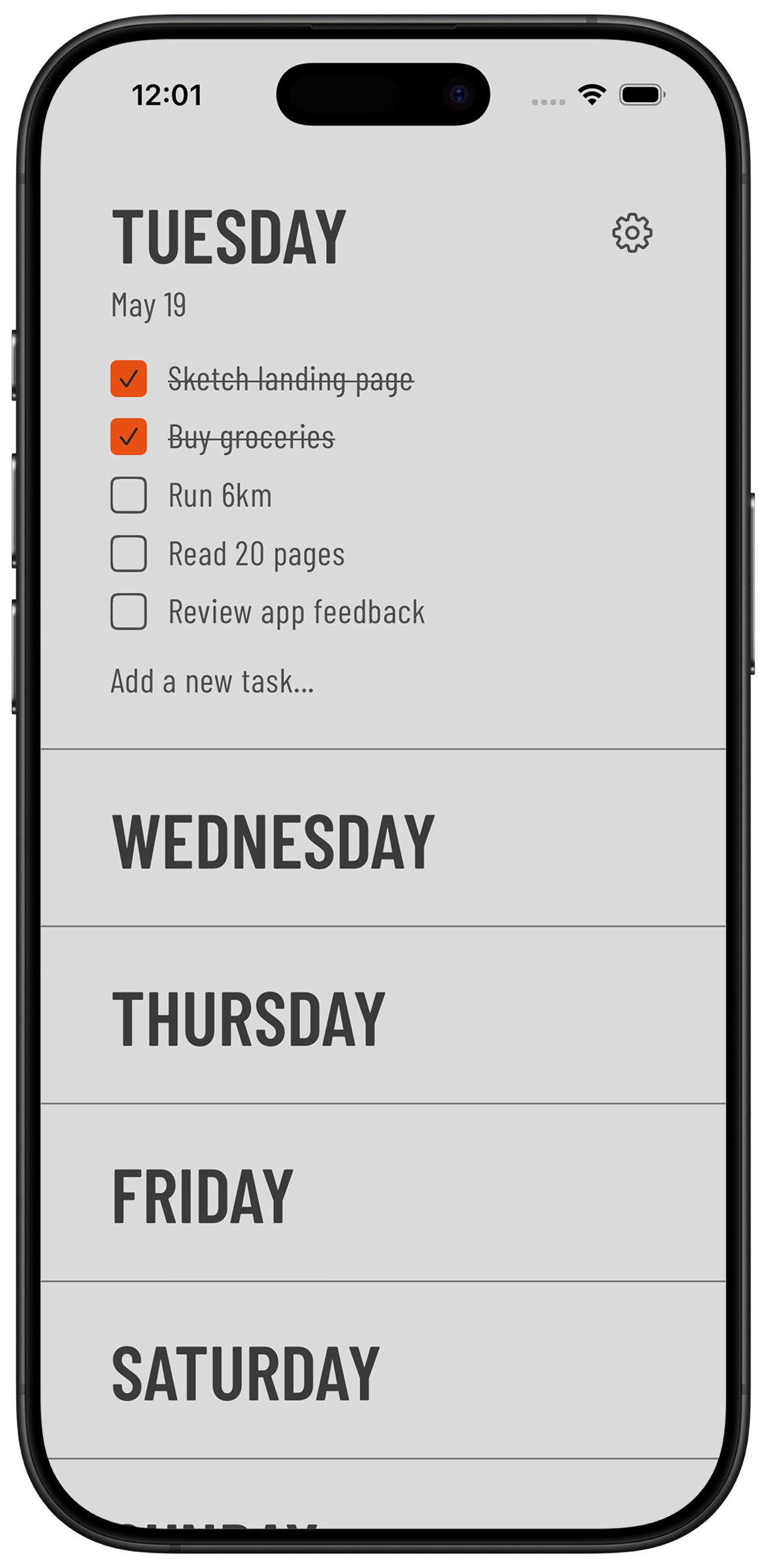
Connected calendar events (Pro)
Weeklane can show the day's calendar events right above your task list, so meetings and to-dos live on the same screen. Calendar access is read-only, stays on your device, and can be switched off any time.
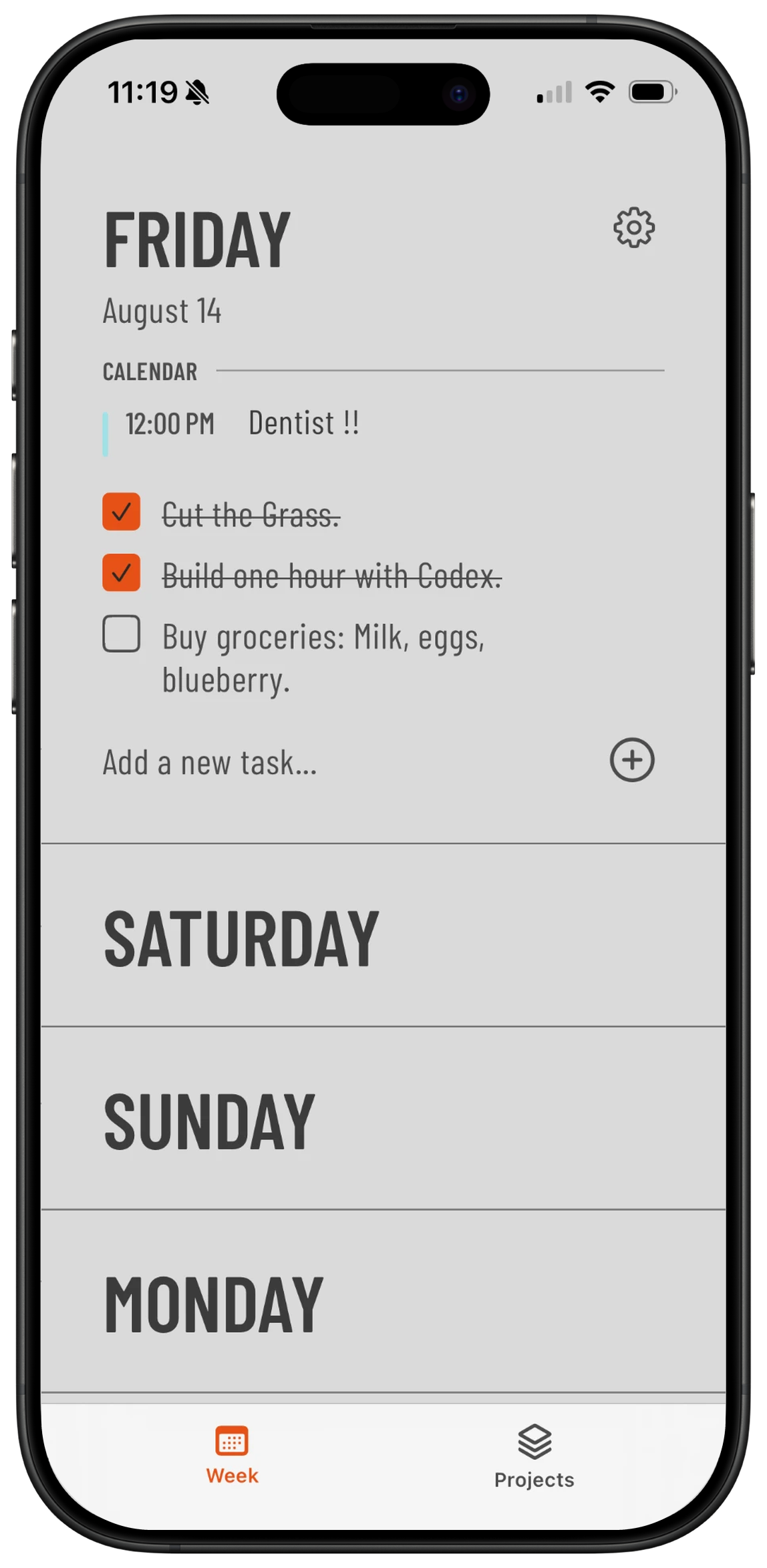
Your day on the Home Screen
Add the Weeklane widget and today's tasks sit right on your Home Screen — completed items struck through, what's next in plain sight. Tap the widget to jump straight into the app.
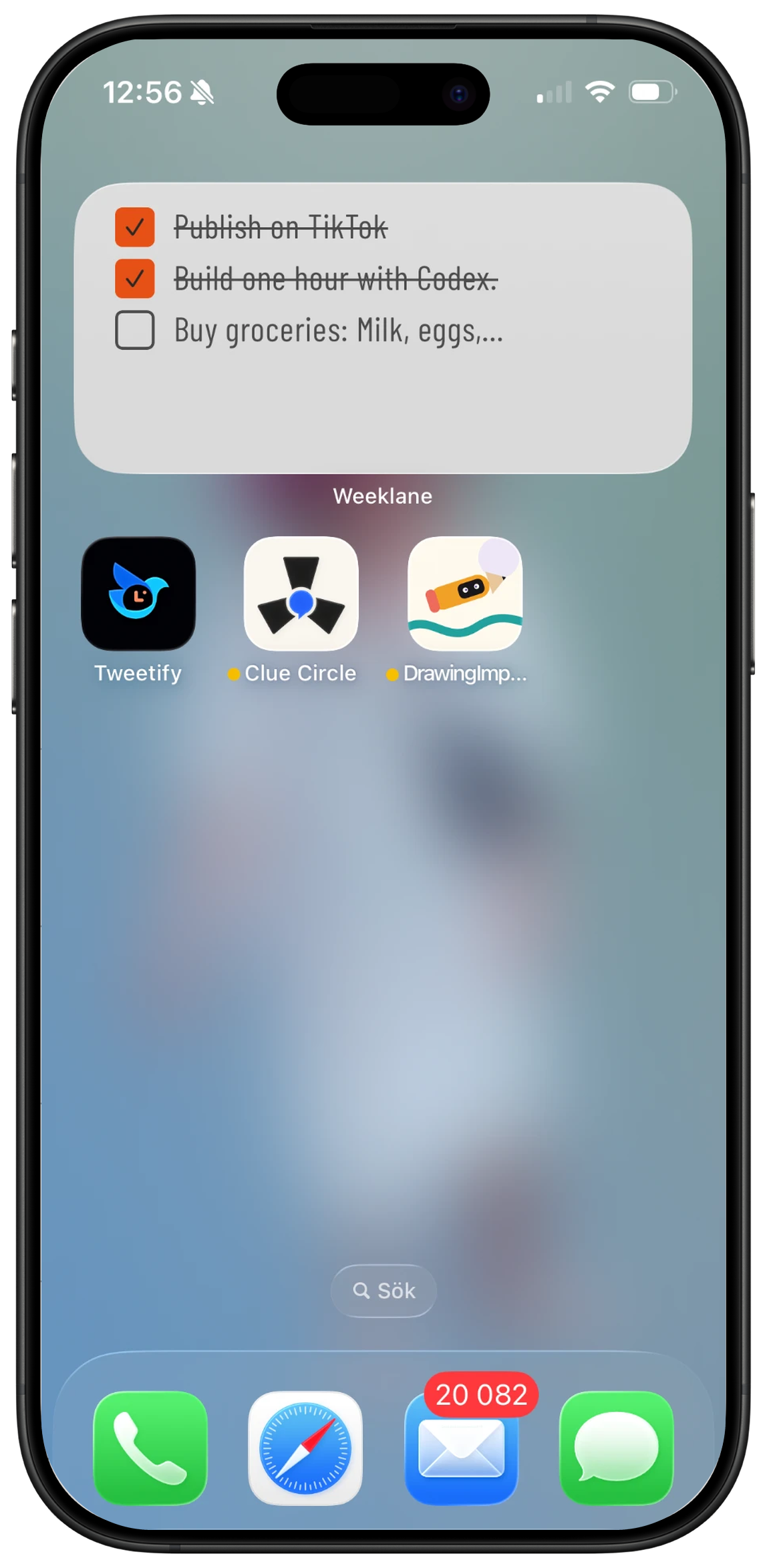
Tap to check things off
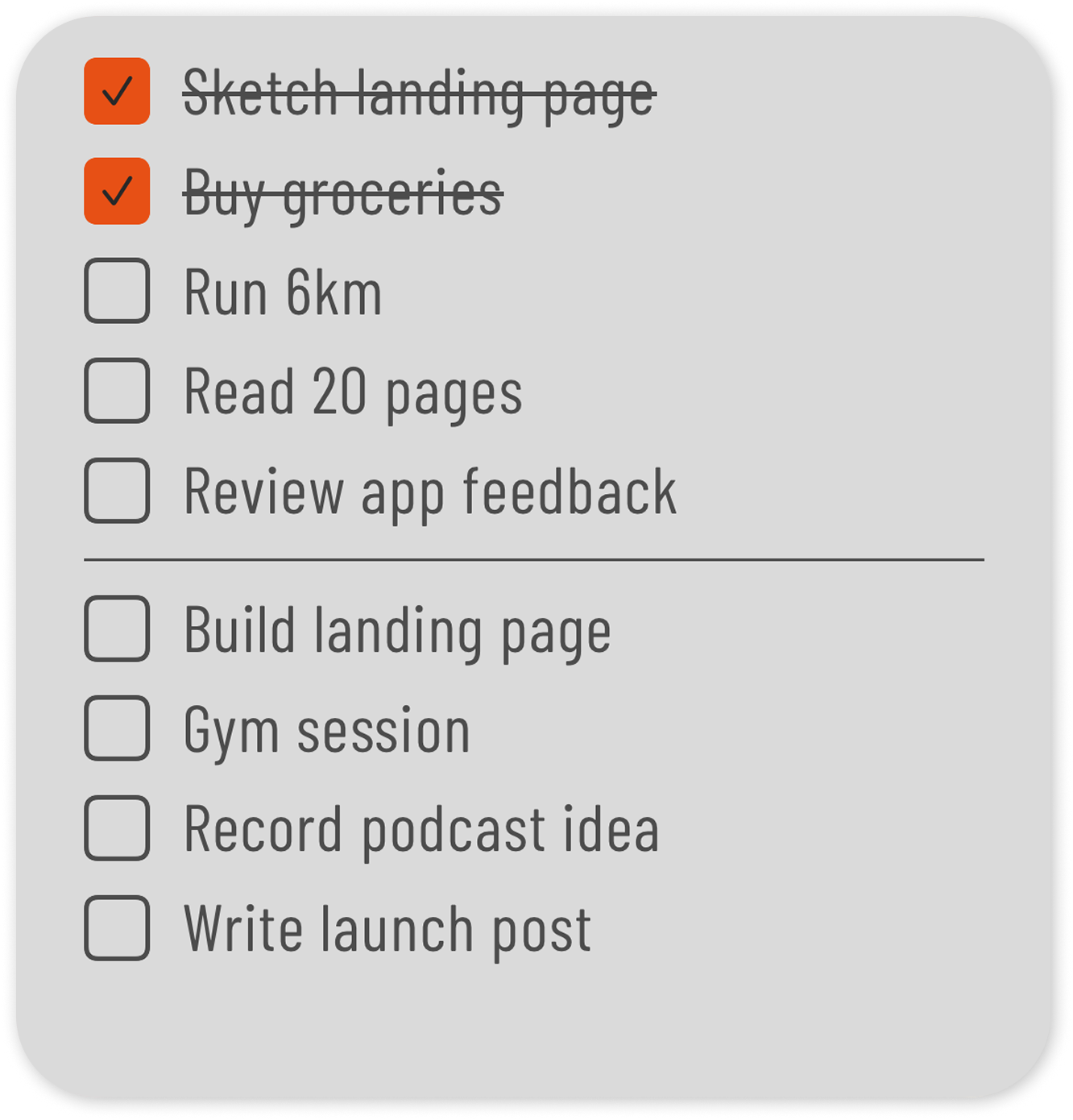
Tapping a task fills its checkbox orange and strikes through the text. Unchecked tasks stay put until you deal with them — you decide what to do, not the app.
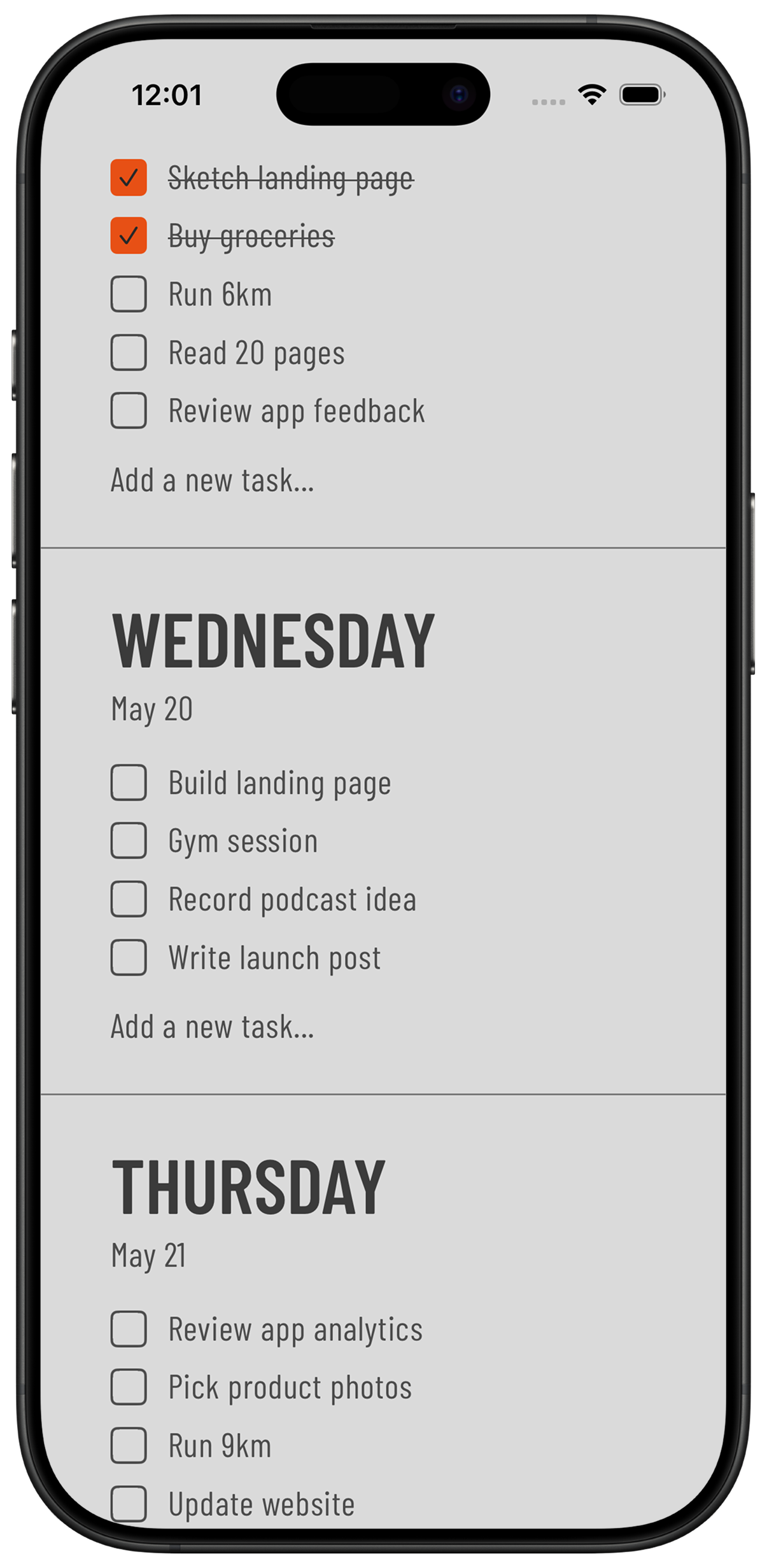
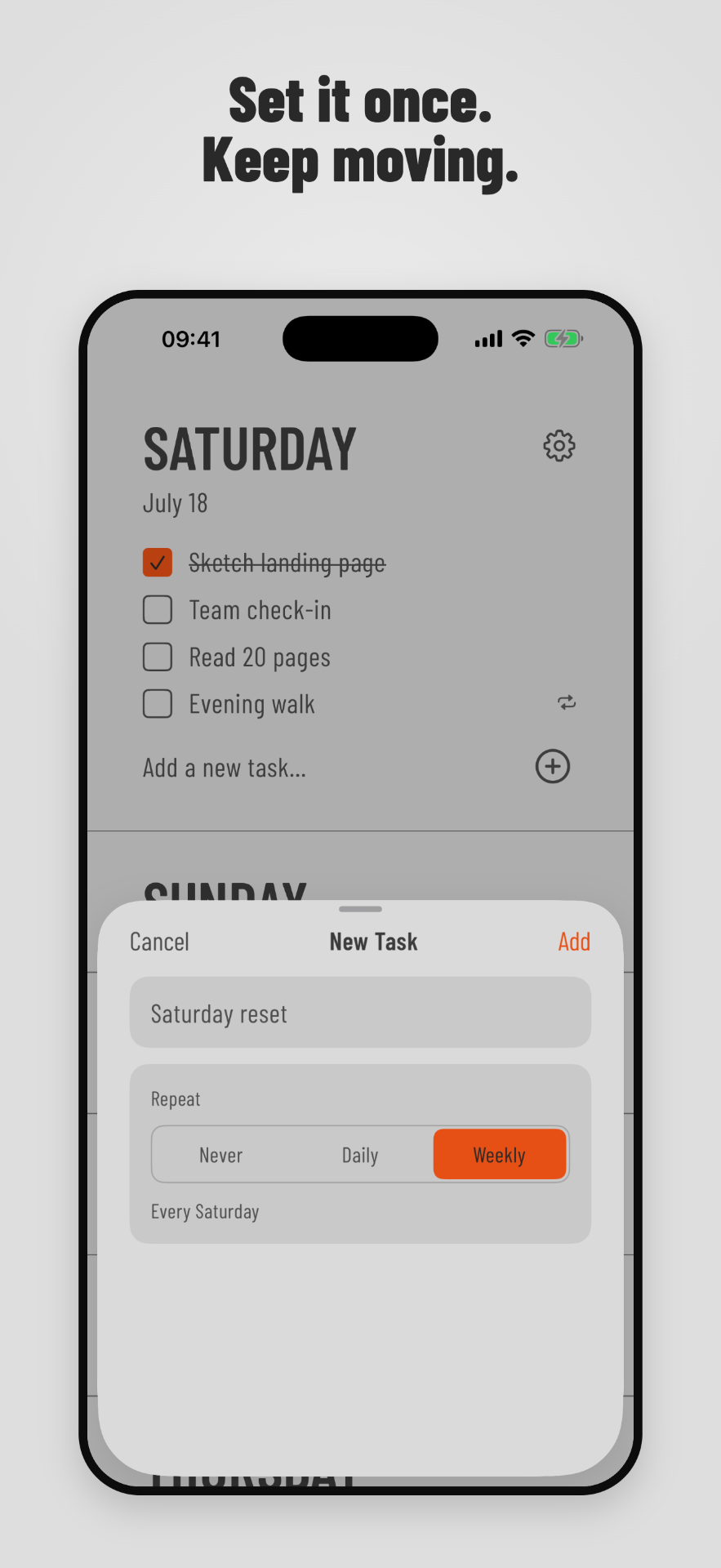
Recurring tasks — set it once, keep moving (Pro)
Some tasks come back every day or every week. Choose Daily for everyday routines or Weekly for the same weekday. Each occurrence is completed independently, and you can remove one without disrupting the rest of the series — or stop future repeats entirely.
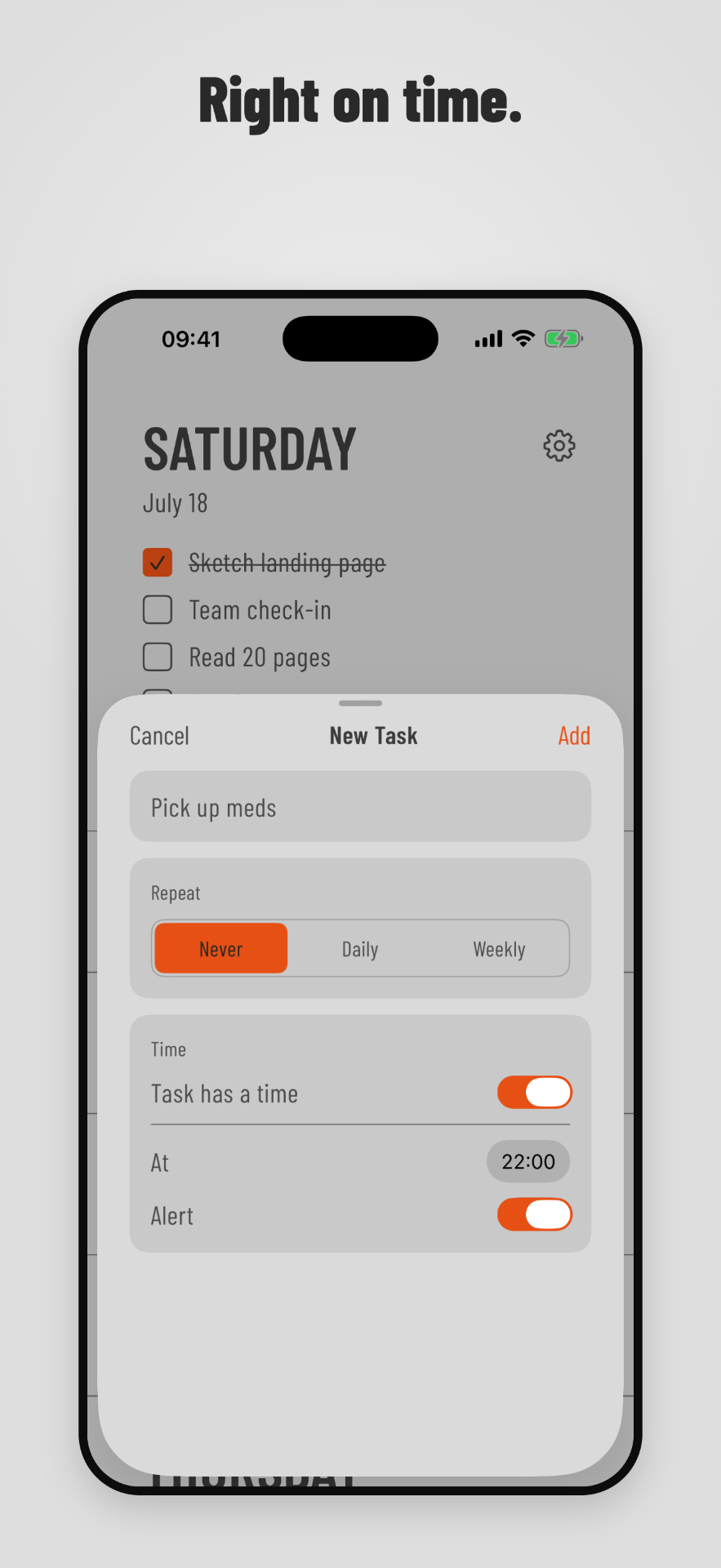
Reminders and task times (Pro)
Add a time to any task and receive a local notification when it's due. Times & Alerts are off by default and enabled in Settings. Notification permission is only requested when you save your first alert — reminders are scheduled on your device.
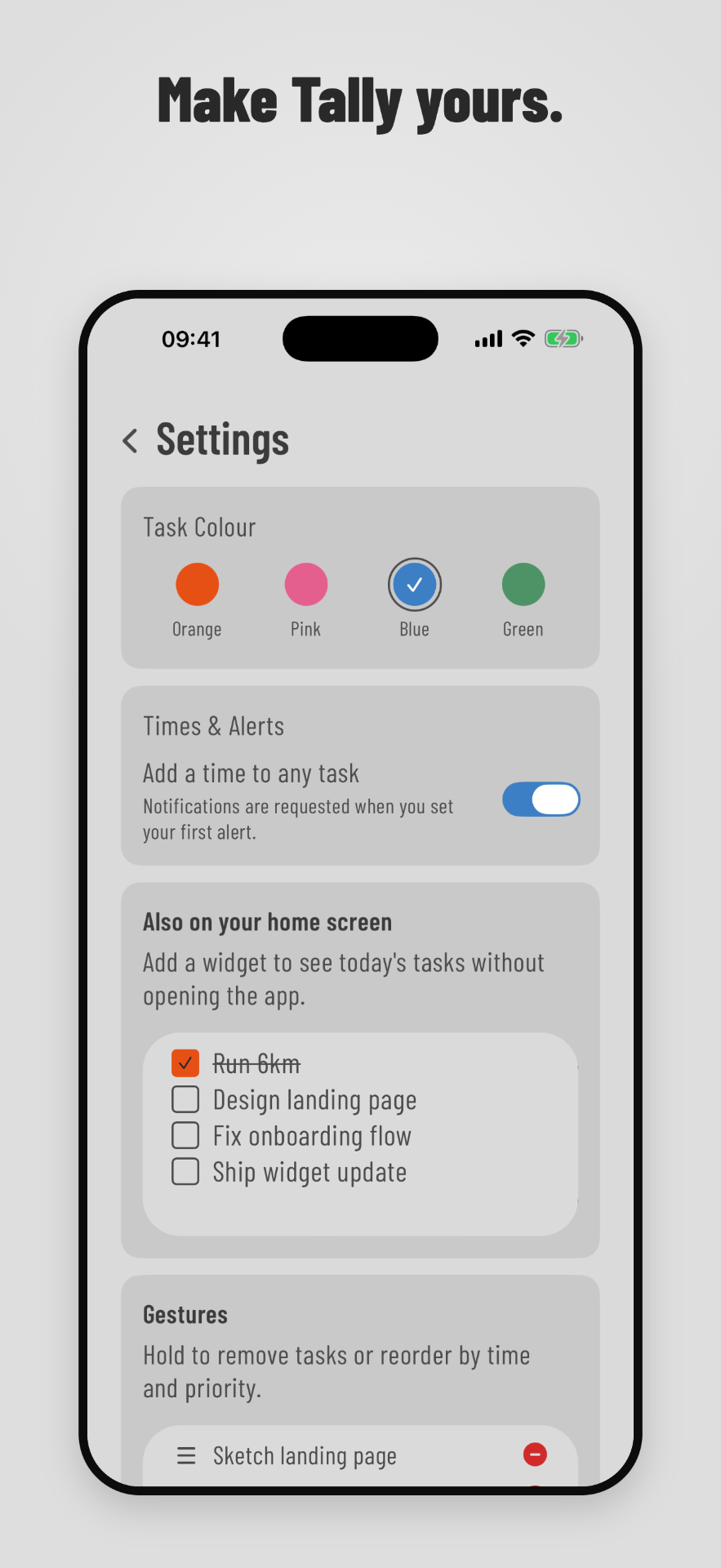
Choose your colour
Orange is still the default, but completed tasks can now use pink, blue, or green instead. Your selected colour also appears in Weeklane's Home Screen widgets, so app and widgets stay consistent.
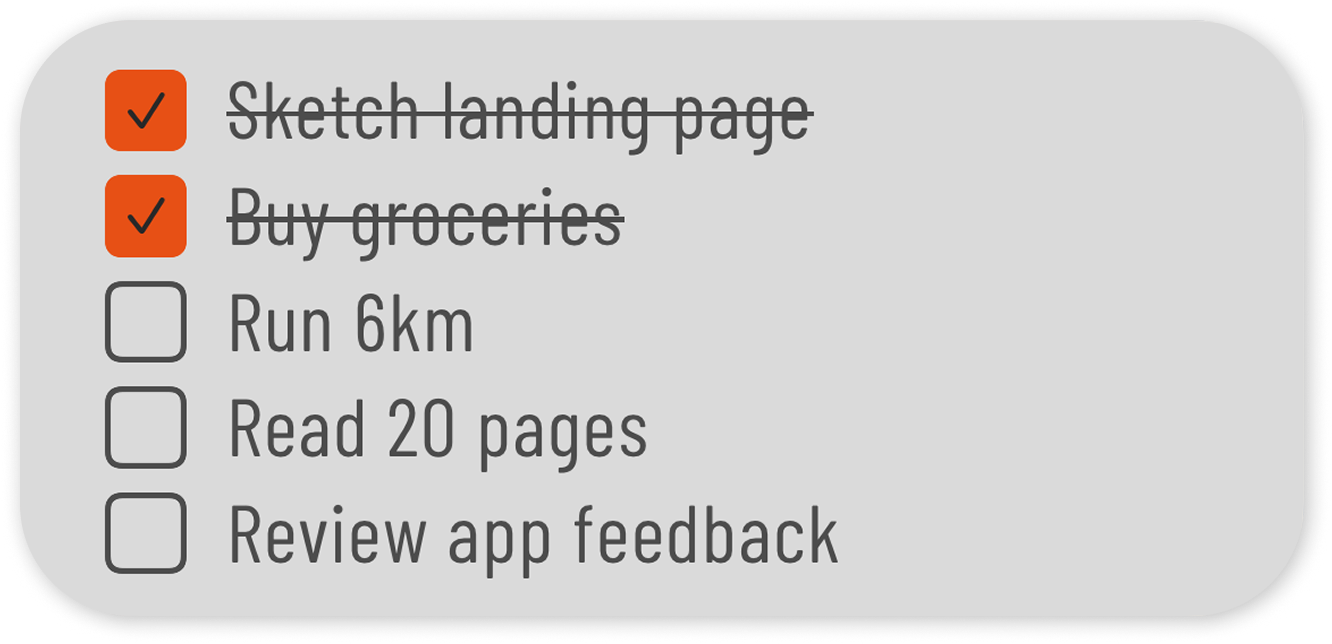
Home Screen widgets for iOS
Medium and large widgets pin today's list to your Home Screen. The medium widget shows up to 5 tasks with incomplete ones prioritized. The large widget shows up to 10 tasks — or today plus tomorrow when today is light.
Date-specific tasks, no automatic rollover
Every task belongs to a specific day. Weeklane never silently moves your unfinished work to tomorrow. Your Monday list stays your Monday list until you change it.
Light and dark mode
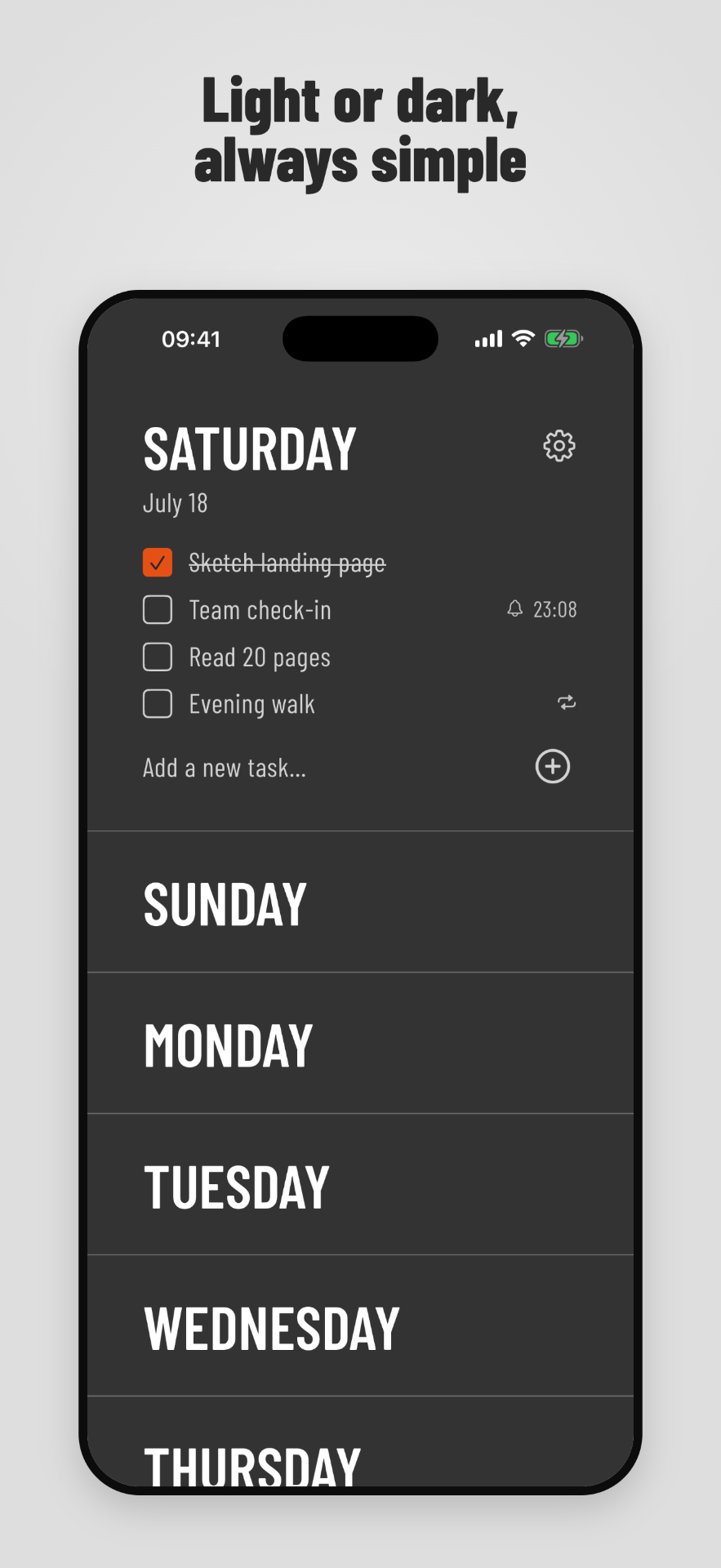
Weeklane follows your system appearance out of the box and includes appearance controls in settings, plus a default for how many days should be open when you launch the app.
Personal and shared projects (Pro)
Group related tasks into personal projects, or invite people to a shared project. Invited members collaborate in real time, assign and complete tasks, and keep project deadlines and reminders in sync.
Private by design
Your personal weekly tasks stay on your device. Shared projects use a private cloud identity so invited members can keep their project tasks synchronized, and connected calendar access is read-only. Weeklane does not sell your data.
Free to plan, Pro when you need more
The weekly planner is free. New users receive a 14-day Weeklane Pro preview that does not automatically create a paid subscription — afterwards keep planning for free, or choose Weeklane Pro monthly ($3.99) or yearly ($29.99), with localized store pricing. Existing lifetime purchasers keep their access.
Get Weeklane on iPhone and Android
Free to plan your week. Weeklane Pro adds reminders, recurring tasks, connected calendars and shared projects.


Scan to download
Related guides
- Weekly Planner App: How to Plan Your Week in 5 Minutes — the five-minute routine behind a calm week.
- The Ivy Lee Method — pick the six tasks that matter each day.
- The Time Blocking Method — turn your day into focused blocks.
- To-Do List Widget for iPhone — how the Home Screen widget works and which size to pick.
- The Simplest To-Do List App for Android — the same weekly checklist on Android.
- Minimalist Weekly Planner Apps Compared — how Weeklane compares on weekly view, privacy and pricing.
- The Sunday Reset Routine — the 15-minute habit that fills the week ahead.
- All Weeklane guides