Comparison guide
Weeklane vs Todoist: A Simpler Todoist Alternative
Todoist is one of the best task managers ever built. That is exactly why some people leave it. Here is an honest comparison, and how to tell which of the two fits the way you actually plan.
Published Updated
Short answer: Todoist is a powerful task manager built on projects, labels, filters and integrations; Weeklane is a simpler weekly planner that shows your week as seven daily lists. Choose Todoist if you manage complex projects or work across many tools. Choose Weeklane if you mainly want to see and finish this week's tasks with less setup.
People look for a Todoist alternative for two very different reasons. Either Todoist does not do enough — they want Gantt charts, workloads and team dashboards — or it does far too much, and the daily ritual of sorting projects, labels, filters and priorities has quietly become its own job. This guide is for the second group.
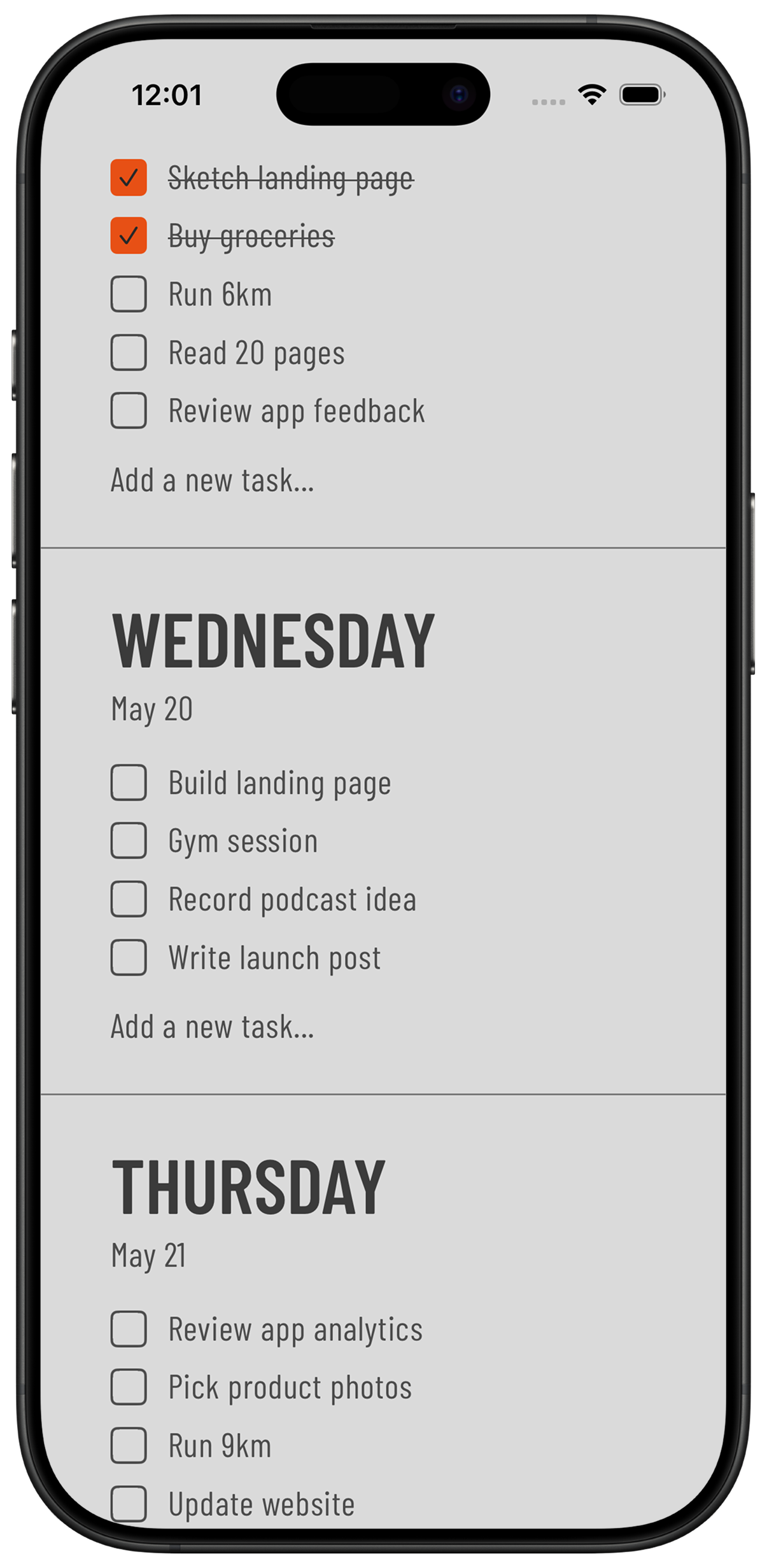
Weeklane is not a smaller Todoist. It is a different shape: your week as seven short day lists, on iPhone, iPad, Mac and Android. No projects to maintain, no inbox to triage, no account needed for your personal tasks.
Weeklane vs Todoist at a glance
| Todoist | Weeklane | |
|---|---|---|
| Core view | Inbox and projects, with Today and Upcoming views on top | The week itself: seven days, seven short lists, nothing to configure |
| Setup | Rewards a system of projects, labels and filters | Opens empty and is usable in about a minute |
| Account | Required; tasks sync through Todoist's servers | Optional; without one, personal tasks stay on your device. Sign in with Apple or Google (Pro) to sync your devices |
| Platforms | Mobile, desktop apps and a full web app | iPhone, iPad, Mac and Android; no web app |
| Home Screen widgets | Yes | Yes; the day's list is the point of the app |
| Collaboration | Mature team features, comments and assignments | Shared projects for a partner, family or small group (created with Pro, invitees join free) |
| App blocking | Not built in | Task Lock (Pro, iPhone and iPad) keeps chosen apps locked until today's tasks are done |
| AI assistants | Has its own AI features and integrations; check Todoist's current listing | Plan with AI (Pro): connect Claude or ChatGPT to read and edit your week, with one-step undo |
| Price | Free tier, plus paid Pro and Business plans | Free weekly planner; Pro $4.99/month or $34.99/year after a 7-day free trial |
Where Todoist is genuinely better
An honest comparison has to say this plainly. Todoist is the stronger choice if you run work through your task manager: nested projects and sub-tasks, saved filters, natural-language due dates, comments and file attachments, integrations with email and calendars, a full web app on any operating system, and years of stability behind it. If any of those sentences described a need rather than a nice-to-have, stay where you are.
Where Weeklane wins
- The week is visible without work. You do not build a weekly view out of filters. You open the app and the next seven days are already there.
- Fewer decisions per task. No project, no label, no priority, no section — pick a day and type. That difference is the whole reason people stop maintaining bigger apps.
- Local-first for personal tasks. Without an account, your personal week is stored only on your device. Nothing you write down syncs unless you choose to.
- Nothing to fall behind on. There is no overdue inbox staring at you after a bad week. Move what matters to a new day and carry on.
- Your list can guard your focus. With Task Lock (Weeklane Pro, iPhone and iPad), the apps you choose stay locked until today's tasks are checked off. Todoist has nothing like it.
- Plan the week by chatting. With Plan with AI (Weeklane Pro), you connect Claude or ChatGPT and ask it to fill in the week, move what you didn't finish or set reminders. Every AI change is listed in the app, and the last one can be undone.
Switching from Todoist without losing anything
- Export or open your Todoist projects. Look at what is actually there. Most people find a handful of live tasks buried in hundreds of dead ones.
- Keep only what belongs to the next seven days. Anything with no date and no owner was never a task — it was a wish. Put those in a note, not a planner.
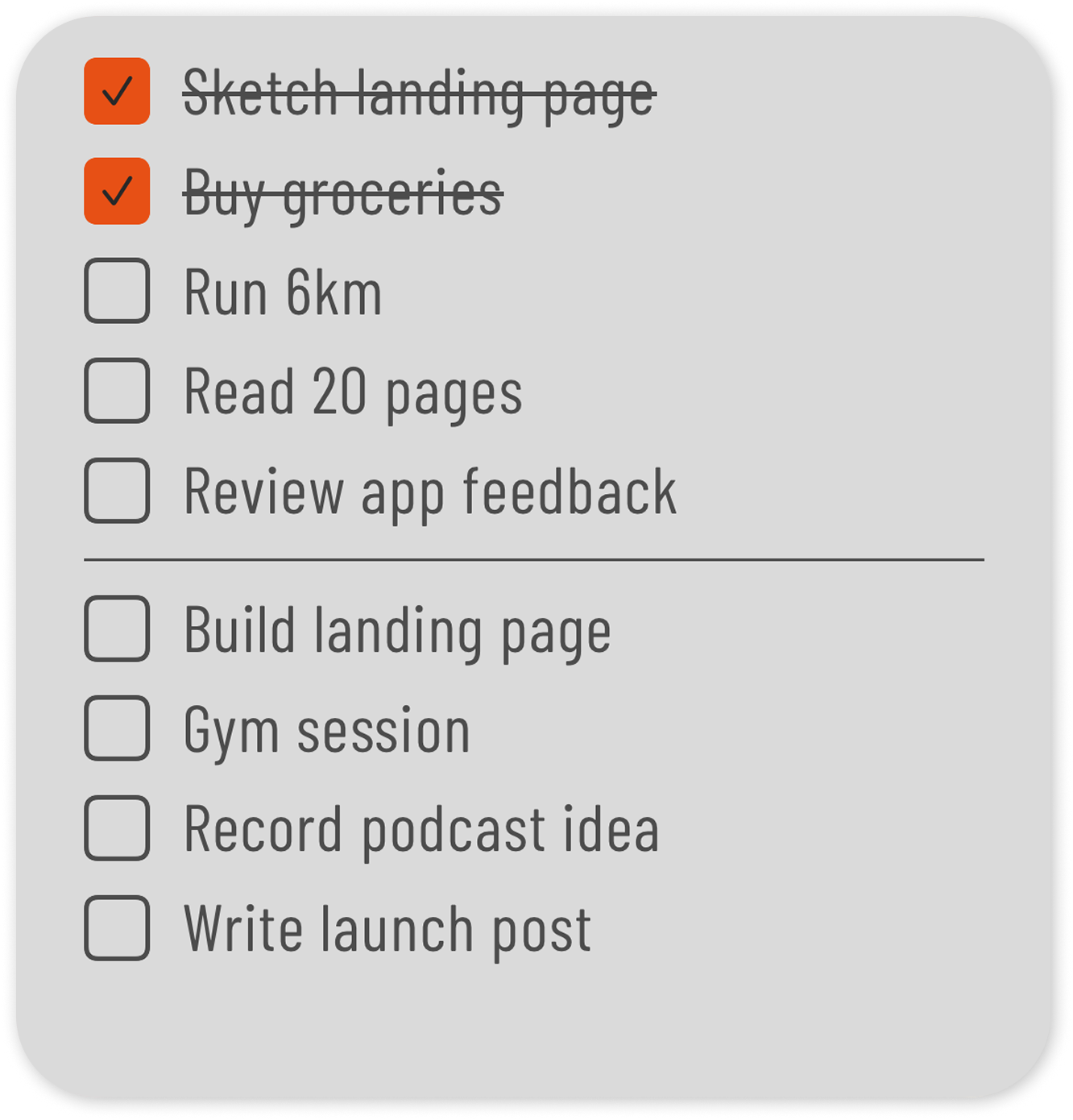
- Type the survivors into the right days. Three to five per day. If a day looks full, it is full.
- Add the widget. Put today's list on your Home Screen so the plan is visible without opening anything.
- Run one full week before judging. Keep Todoist installed. If you miss it by Friday, you have your answer — and nothing was lost.
Still comparing? The best weekly planner apps of 2026 covers ten apps by use case, the minimalist weekly planner comparison looks only at the simplest ones, and Weeklane vs Tweek is the closest like-for-like match. Whichever you pick, the five-minute weekly planning routine is how to make it stick.
Which should you choose?
Choose Todoist if your tasks belong to projects, other people depend on them, and you want one system for work and life. Choose Weeklane if your real question every morning is simply "what am I doing today?" and every app you have tried answered it with a settings screen.
Frequently asked
What is the best simple Todoist alternative?
It depends on what felt heavy. If it was the project and label system, a weekly planner like Weeklane replaces it with seven day lists and no setup. If you only wanted a cheaper task manager with the same structure, a like-for-like alternative will suit you better than a weekly planner.
Is Weeklane free like Todoist's free plan?
Weeklane's weekly planner is free to use. Weeklane Pro — Task Lock on iPhone and iPad, Plan with AI, sync across devices, reminders, recurring tasks, connected calendar and shared projects — is $4.99 monthly or $34.99 yearly, with a 7-day free trial.
Can I import my Todoist tasks into Weeklane?
There is no automatic import. That is intentional: most Todoist accounts contain far more tasks than a week can hold, and importing them recreates the clutter you left. Copying the live tasks into the right days takes a few minutes.
Does Weeklane work on Android and desktop like Todoist?
Weeklane runs on iPhone, iPad, Mac and Android. Todoist additionally has a full web app and Windows and Linux clients, so if browser access is essential, Todoist covers more surfaces.
Can I share tasks with someone in Weeklane?
Yes. Shared projects let you plan with a partner, family or small group. Creating a project needs Weeklane Pro, and invited members can take part for free. Shared projects sync through the cloud; personal tasks are not part of them.
Try the simpler option
Your week as seven short lists on iPhone, iPad, Mac and Android. Free to plan; Weeklane Pro adds Task Lock on iPhone and iPad, with a 7-day free trial.


Scan to download
Related guides
- Best Weekly Planner Apps (2026): Honest Picks by Use Case — ten weekly planner apps compared, Todoist included.
- Best Minimalist Weekly Planner Apps (2026 Comparison) — how the other minimalist weekly planners compare.
- Tweek Alternative: Weeklane vs Tweek Compared — the same honest comparison against Tweek.
- Weekly Planner App: How to Plan Your Week in 5 Minutes — the five-minute Sunday routine to run whichever app you pick.
- Ivy Lee Method: The 6-Task Daily Productivity System — a prioritization method that works without projects or labels.
- How to Connect Your To-Do List to Claude (3 Ways) — how Weeklane, Todoist and Apple Reminders connect to Claude.
- Guides